‘Nifty-fifty’ Photowalk
Event Location:
Clarke Lane, Clarke Lane
Event Description
THIS EVENT HAS BEEN POSTPONED DUE TO THE WEATHER
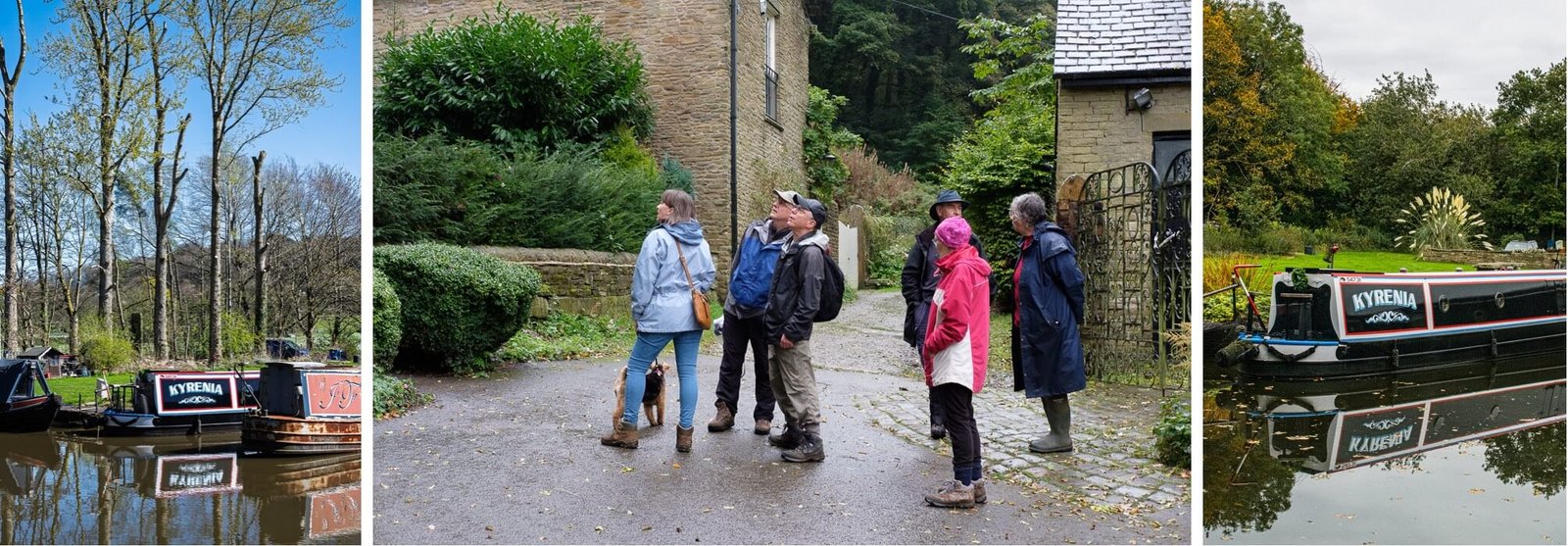
For this photo walk, we’re aiming for a 50mm full-frame equivalent focal length—the classic “nifty fifty” that mirrors how your eyes see. You’ll take a max of 12 photos – take your time over each image – the goal is to concentrate on composition, and/or story-telling – so let’s keep the tech simple and fun! Meet-up on Clarke Lane for 2pm (park just off the road past the Middlewood Way bridge, before the Spiral bridge on the Canal) and we’ll walk towards Kerridge Dry Dock along the canal towpath.
Here’s how to set up:
For Cameras Full-Frame (e.g., Nikon D850, Nikon Z5, Canon R5)
Set your lens to 50mm. You’re good to go!
APS-C / DX Crop Sensor (e.g., Nikon Z50, Fuji X-T5, Canon EOS R7)
Set your zoom to ~33–35mm. On a 16–50mm lens, nudge it just past 30mm. A 35mm prime is fine too—super close!
Micro Four Thirds (e.g., Olympus OM-5)
Set your zoom to 25mm. On a 14–42mm lens, hit 25mm. A 25mm prime nails it.
Tip for Camera Users:
Since this walk is all about composing great shots with the 50mm look, consider using aperture priority (A or Av) or full auto mode. Pick a wide aperture like f/2.8 or f/4 in aperture priority for that classic nifty-fifty feel—it’ll handle exposure for you, so you can focus on framing without tweaking every setting. Full manual works too, but let’s not get stuck fiddling when inspiration strikes!
For Smartphones, Compacts, & Bridge Cameras
If you’re using a smartphone, compact, or bridge camera (e.g., Coolpix P900/P1000), keep it simple:
Smartphones (e.g., iPhone 14/15, Samsung S23/S24, Google Pixel 7/8)
Open your camera app, select the “1x” main lens (usually 24–28mm), and shoot—no zooming needed. It’s a bit wider than 50mm, but it’s consistent and hassle-free.
Compact Cameras (e.g., Panasonic ZS200/TZ200)
Set your zoom to the widest setting (e.g., 24mm equivalent). Check the display to ensure you’re at the wide end, then shoot.
Bridge Cameras (e.g., Nikon Coolpix P900, P950, P1000)
Set your zoom to the widest setting (usually 24mm equivalent—check the screen, it’ll say “24mm”). If your model shows the equivalent focal length, you can zoom to ~50mm instead (around 9mm actual focal length), but widest is simplest and matches the phone/compact vibe.
Quick Tips
Cameras are the easiest way to hit that 50mm sweet spot, so bring one if you’ve got it! For camera folks, aperture priority or auto can free you up to play with composition rather than settings—give it a try!
Phone/compact/bridge users: Stick to “1x” or the widest zoom setting for a no-fuss approach. It’s not exactly 50mm (a bit wider), but it keeps everyone on the same page. Enjoy your 12 shots—let’s make composition the star of the show!